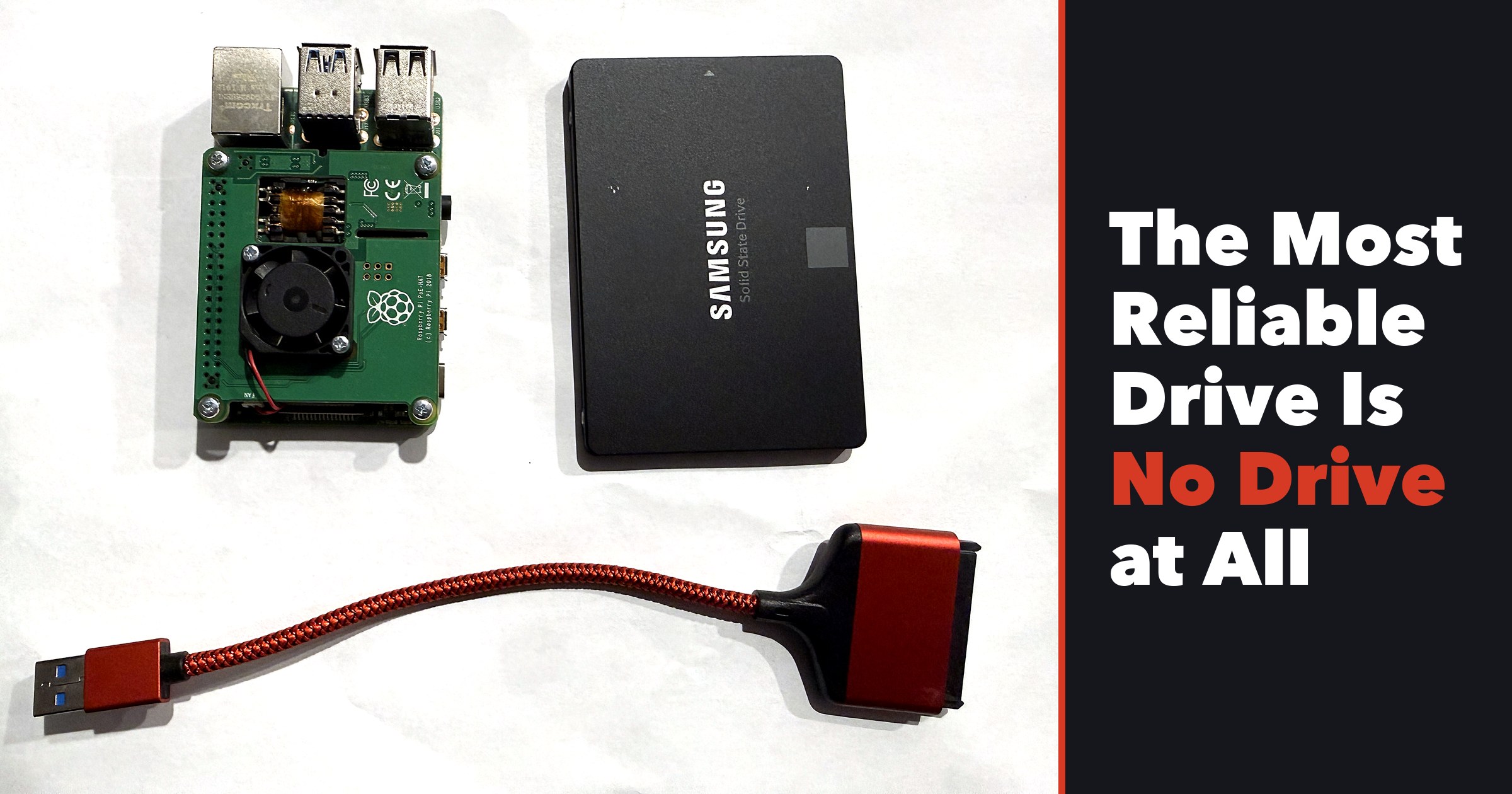
Nine of my ten Samsung 870 EVOs turned out to be dying, and SSD prices are through the roof. So I pulled the drives and network booted my Raspberry Pis instead. Here’s exactly how, step by step, and every trap I stepped in.
How To Setup A UniFi Controller On Raspberry Pi With Docker
Parts Used For Project
Part
Comment
Link
Raspberry Pi
I am using a Raspberry Pi 4 4GB to run my UniFi controller but it’s definitely not needed. You can absolutely get by with a Raspberry Pi 3 B+. The Raspberry Pi 4 is still sort of hard to come by and you might already have a Raspberry Pi 3 B+ sitting in your desk drawer.
I have been using the Samsung EVO microSD cards for a while. I havent had an issue yet. All of my Raspberry Pis are using either a 32GB or 64GB. They are great for the price.
All of my Raspberry Pis are using a Raspberry Pi PoE HAT but that isn’t a requirement. You just need a power supply that puts out a good amount of power(at least 2.5A). This one puts out 3A and has an on off switch built in. Make sure you select the Raspberry Pi version you are using. All Raspberry Pis use Micro USB except the Raspberry Pi 4, which uses USB Type C.
I have one of these inside my house and another mounted on the ceiling of my back patio. I don’t have a single dead zone on my property. These are really great access points. They can be powered via PoE if you a PoE switch.